How do I delete my account?
Login to the web platform
1
Log in on the web platform at Here
Go to the settings tab
2
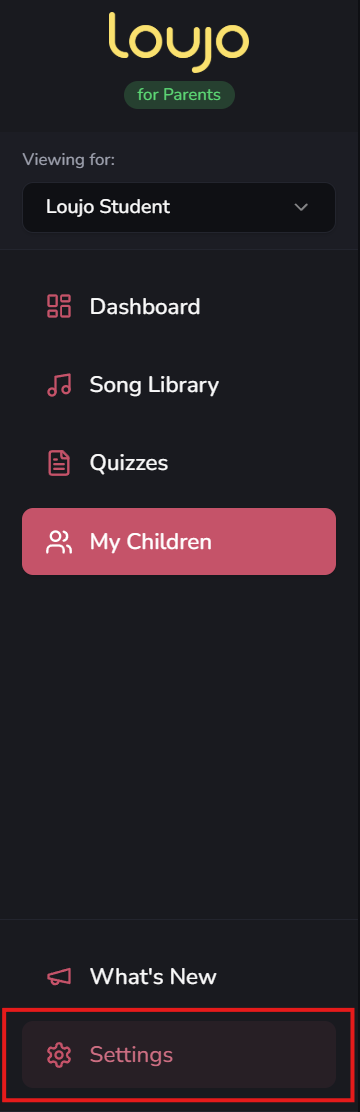
On the navigation bar to the right of the window, go to the settings tab as shown in the image.
Go to the “Danger Zone'“ tab under your profile
3
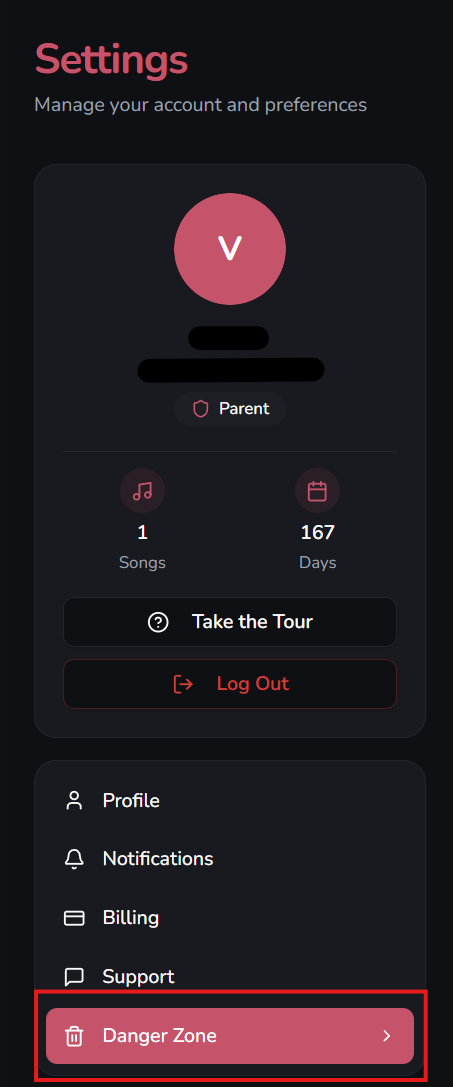
Head over to the tab named “Danger Zone” under your profile information as shown in the screenshot.
Click the “Delete my account” button
4
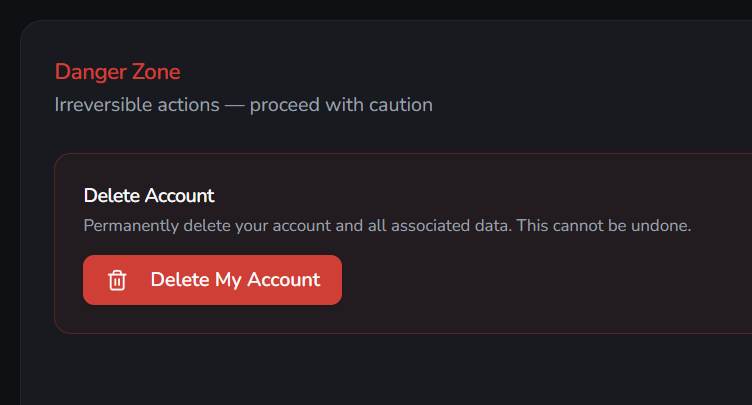
Click the red “Delete my account” button and confirm your choice. Please read the information that will be deleted carefully.